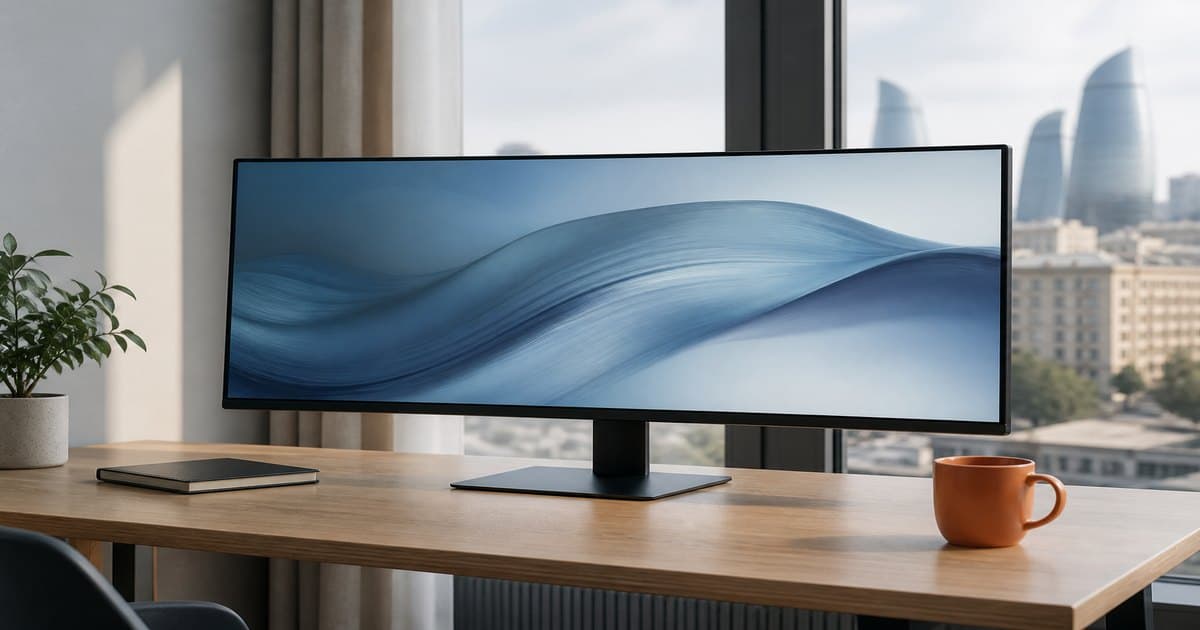
Monitors for work and play: size, Hz, and panel type
24, 27, or 32 inches? Is 60 Hz enough? Start with desk distance and the job, then IPS/VA and resolution.
Read article
We write so you do not get lost in the catalog. Every article comes from questions we hear in the store: which phone is enough, what to check on a laptop, how to pick a monitor or Wi-Fi. No fluff — scenarios, internal links, and a next step in the catalog.
24, 27, or 32 inches? Is 60 Hz enough? Start with desk distance and the job, then IPS/VA and resolution.
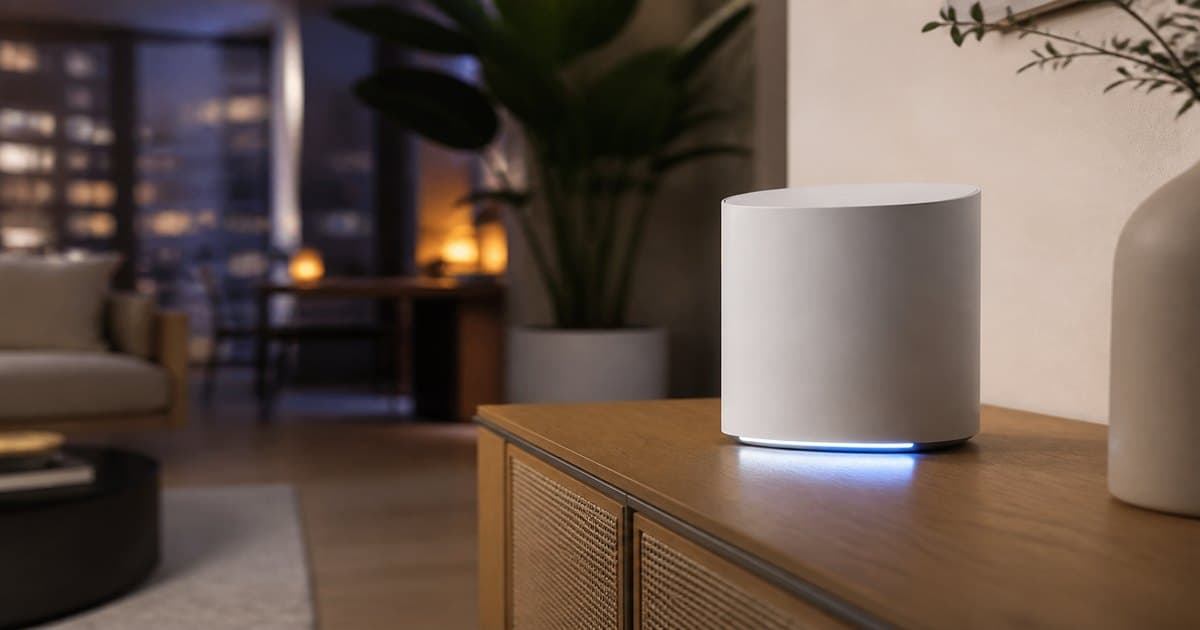
Read articleA “3000 Mbps” label does not go through concrete. Map floors and device count first, then Wi-Fi 6 and WAN.
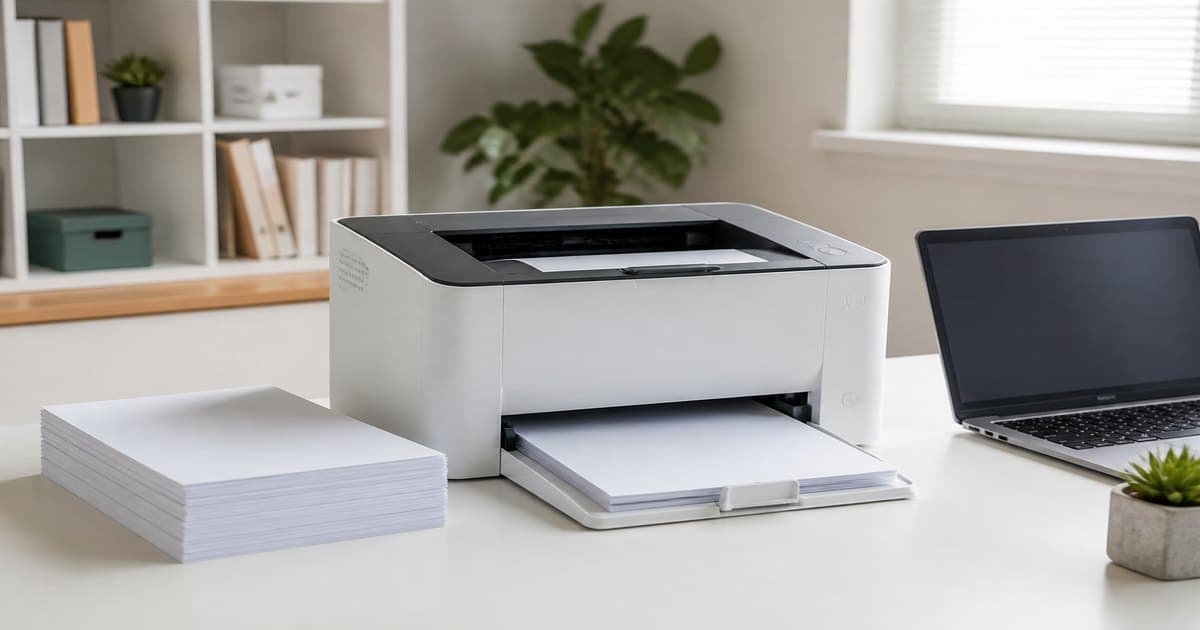
Read articleCost per page can beat the box price. Estimate monthly pages and color, then choose inkjet or laser.
Read articleA desktop usually buys more GPU for the same money; a laptop travels. Add cooling, upgrades, and a monitor to the math.
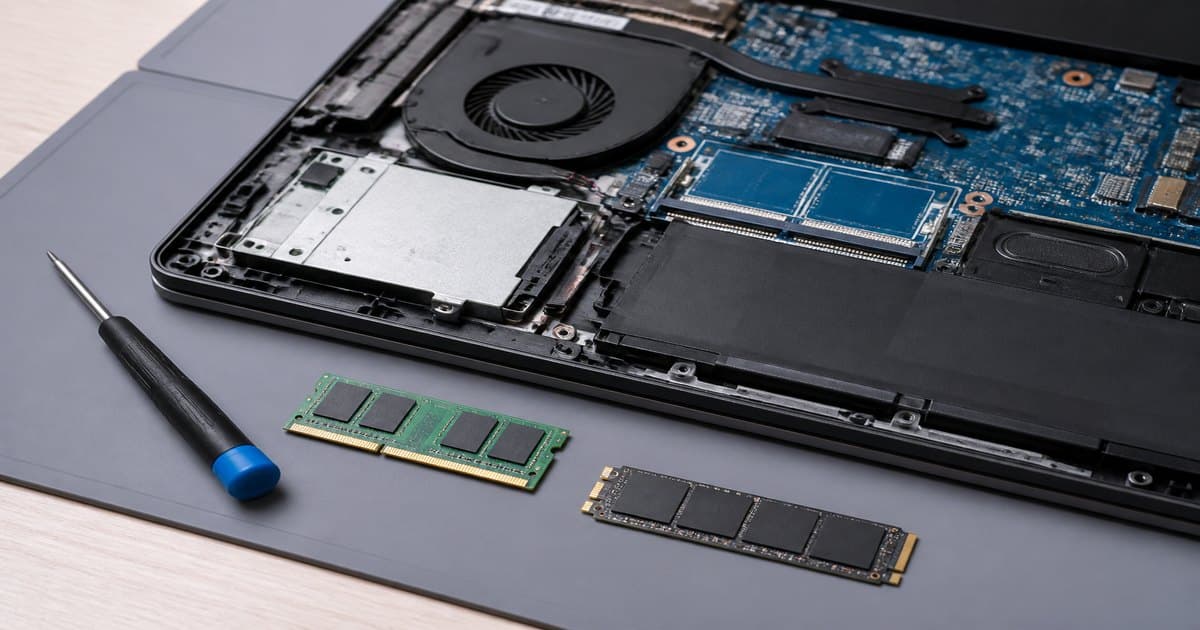
Read articleReplacing an HDD with NVMe is often cheaper than a new laptop. Check slots and DDR generation first.
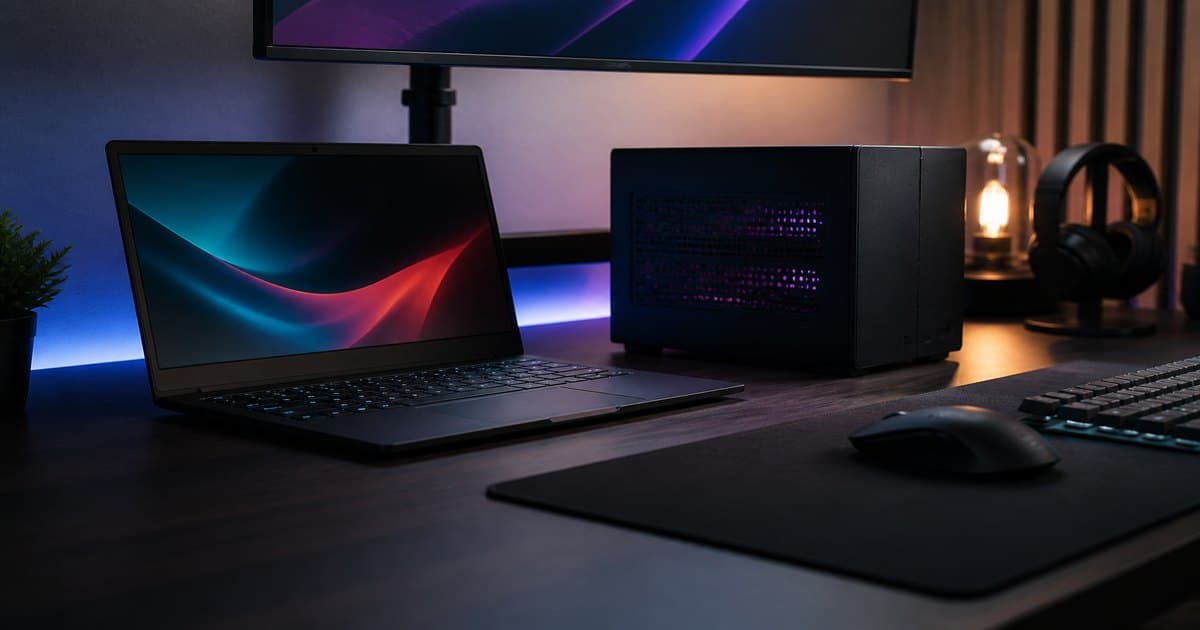
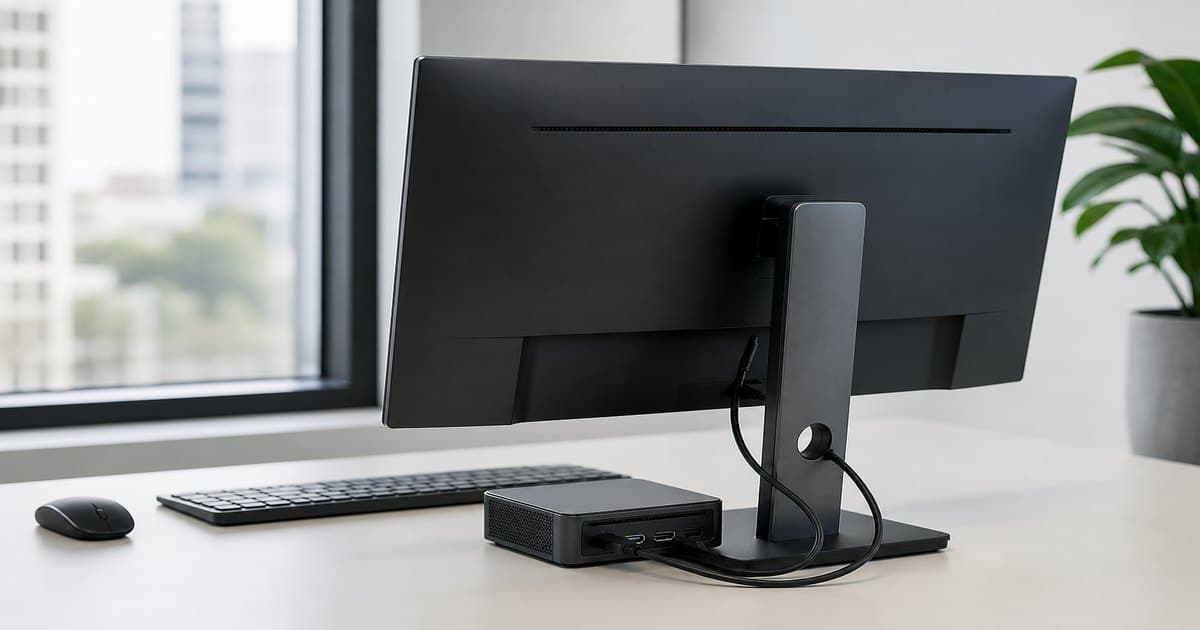
Read articleTiny box, big monitor. Great for desks, signage, and living-room PCs — not for AAA games or commuting.
Read articleDo you need a flagship, or will mid-range do? Write the need first, then rank camera, battery, and storage — price comes last.
Read articleStudents, office workers, and freelancers need different priorities. Choose RAM, SSD, display, and battery for your workload — not the marketing label.
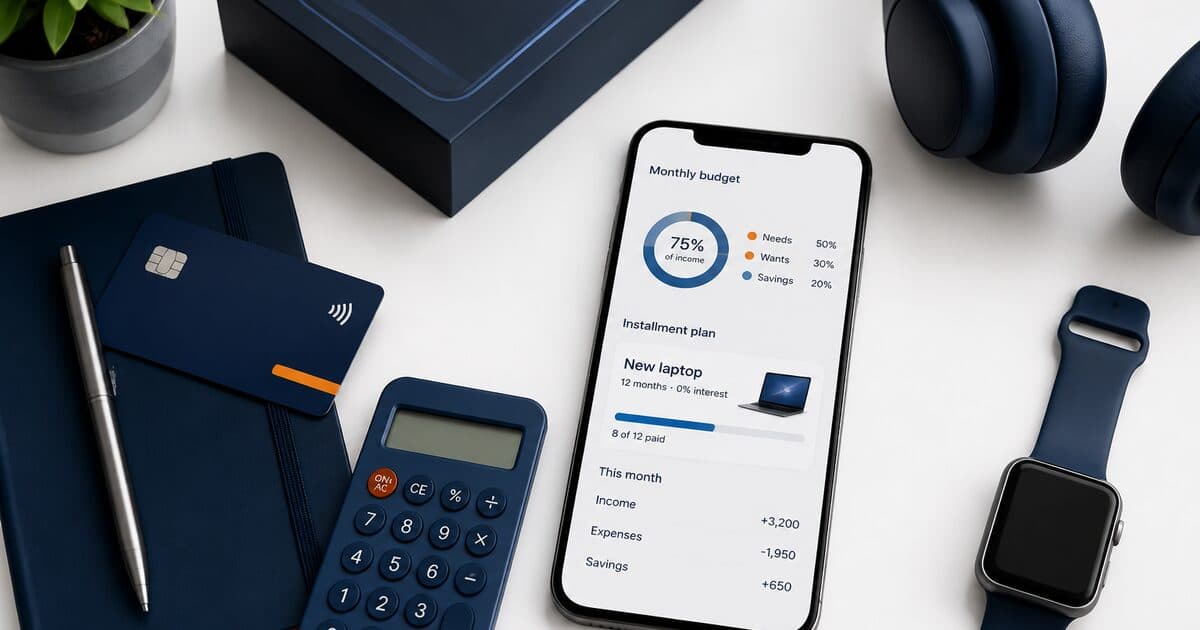
Read articleA small monthly payment can look easy — until you forget the total cost. Align budget, term length, and product lifespan before you sign.
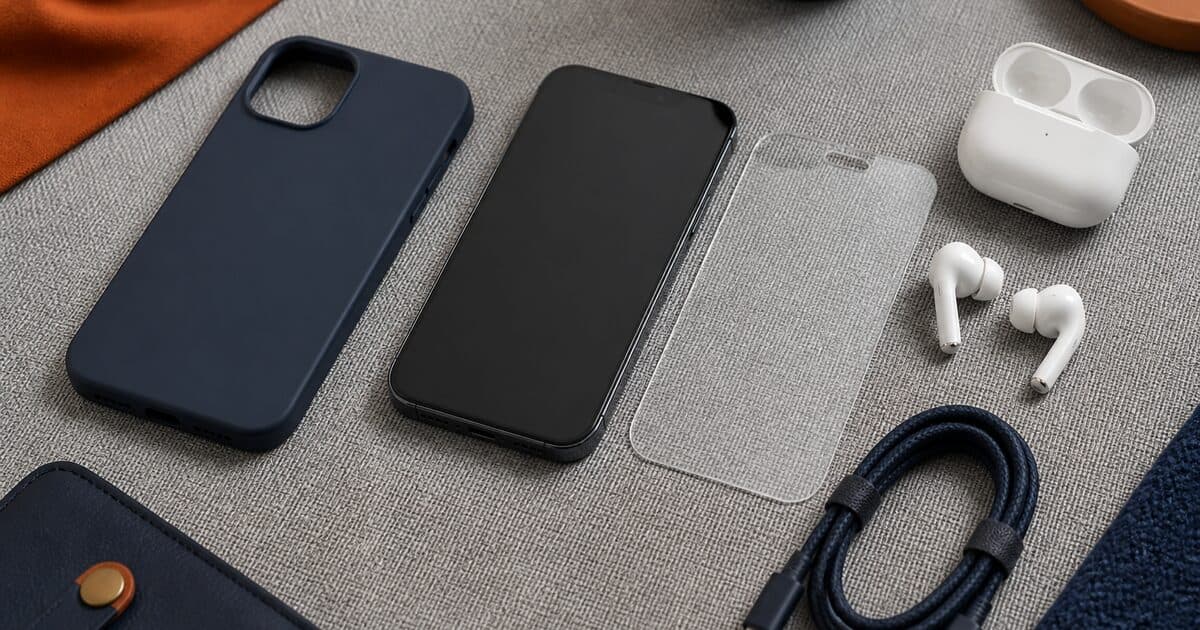
Read articleCase, glass, charger, earbuds, hub… You do not need everything. Focus on protection and daily convenience first — add the rest later.
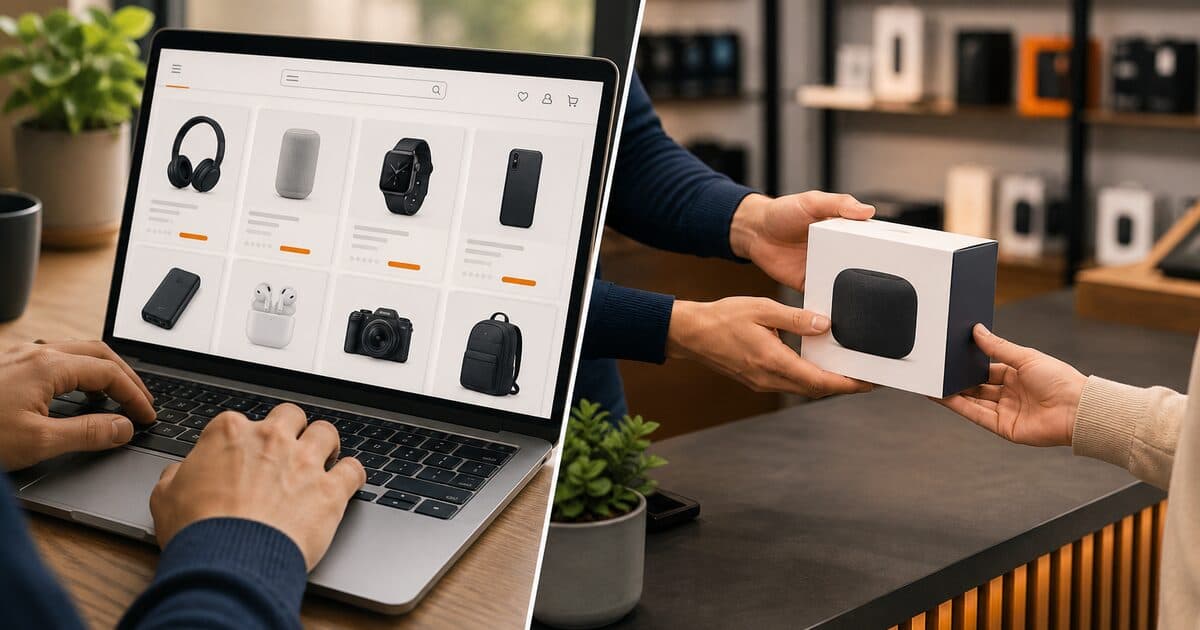
Read articleTime, hands-on checks, stock, and delivery each favor different scenarios. Here is when to choose which.
Read articleSkip the myths. Heat, brightness, background apps, and charging habits matter most — small daily changes are enough.
Read article