Smartphone and laptop guidesCare
Make phone and laptop batteries last longer: practical tips
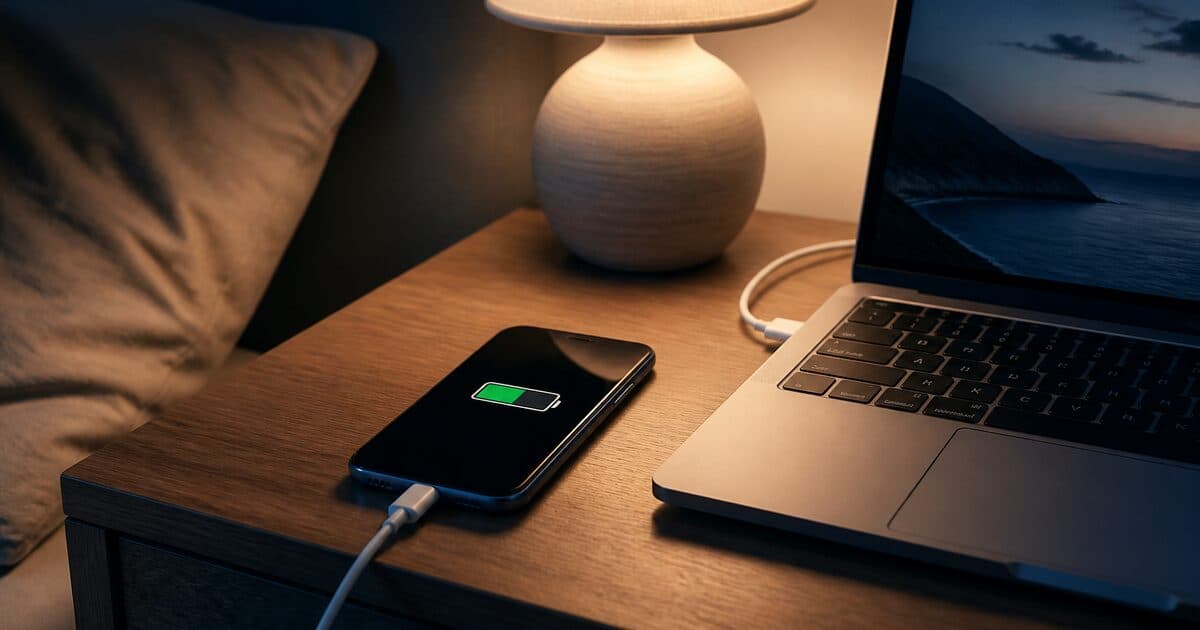
Advice like “always drain to zero” or “never charge overnight” is often incomplete. Modern lithium batteries have smart charging; the bigger enemies are constant heat, max brightness, and heavy background load.
Daily habits for phones
- Keep brightness automatic or moderate.
- Lower high refresh rates when you need battery life.
- Avoid thick cases plus gaming while charging (heat).
- Close unused background apps and review permissions.
For laptops
- Do not block vents on soft surfaces like beds for long sessions.
- A balanced power plan is enough for most office work.
- Use high-performance mode only for heavy tasks.
- If battery health / charge limit exists, enable it for desk use.
Batteries age naturally — that is normal. Managing heat and load still improves the odds that the device lasts a full day after 1–2 years. When buying new, put capacity and charging speed on your needs list. See the smartphone guide, laptop guide, and accessories.
Does overnight charging kill the battery?
Modern phones cut current. Heat is the issue: do not charge under a pillow. A cool surface and a proper adapter are enough.
Can I leave a laptop plugged in all day?
Yes if it has a charge-limit / battery-health mode. Otherwise keep it around 40–70% when it sits on a desk.
My old laptop is slow — battery or disk?
Usually the HDD. Check an SSD upgrade first.