Smartphone and laptop guidesNetworking
Home and office Wi-Fi: mesh, Wi-Fi 6, and real speed
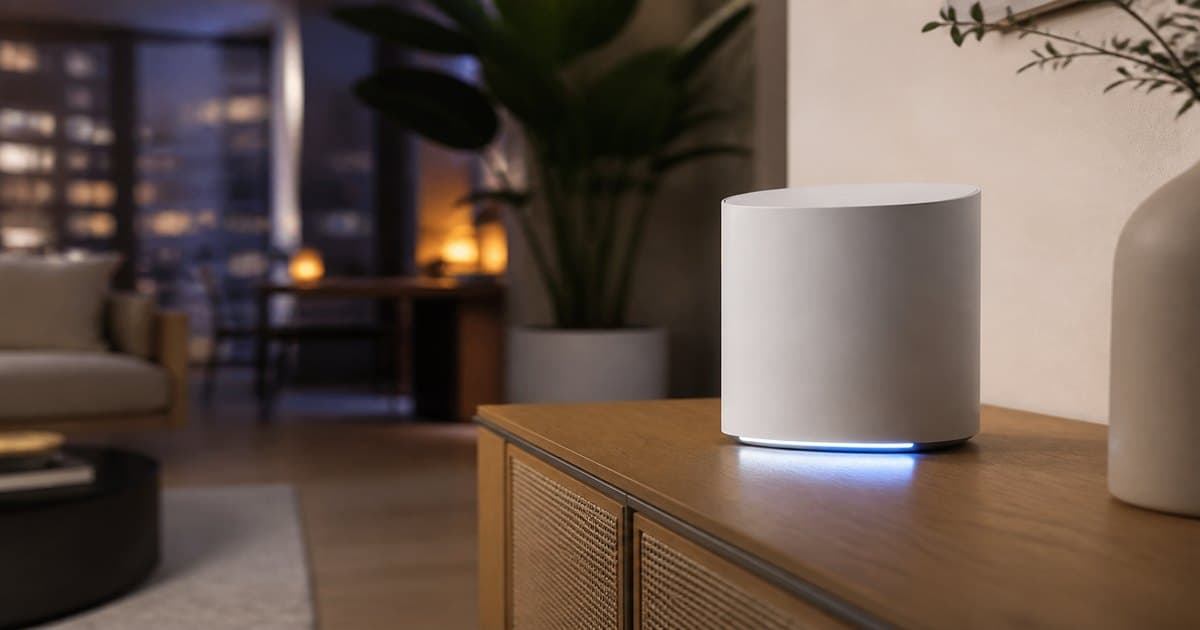
If the ISP promises 200 Mbps and a bedroom shows 12, the box and the walls are usually the bottleneck. Baku apartments add concrete and dense neighbor networks. This guide covers routers and access points.
Map the home before the AX3000 sticker
One room and ~10 devices: a solid Wi-Fi 6 router may be enough. Three rooms or two floors: think mesh or a dedicated AP. Find dead zones with a phone speed test, then shop.
- 15+ devices at once: Wi-Fi 6 and a stronger CPU.
- IPTV/VLAN: confirm firmware support if your ISP requires it.
- VPN / home office: cheap CPUs choke under encryption.
Wi-Fi 5, 6, 6E — what is worth buying?
In 2026, Wi-Fi 6 is the sensible new-buy floor. 6E adds 6 GHz only if your phones and laptops speak it. AX1800 vs AX3000 is marketing; antennas, CPU, and mesh family matter more.
Mesh, repeater, or access point?
- Repeater: cheap, often halves throughput — temporary.
- Mesh: one SSID, easier roaming across two–three nodes.
- Access point: best if you can run cable — see AP catalog.
WAN, gigabit, and a small office
If the ISP is 500 Mbps+, you want gigabit (or 2.5G) WAN/LAN. A switch is more stable than Wi-Fi for desks and printers. A USB port on a router is not a substitute for a real NAS.
Write down walls and device count, then pick Wi-Fi 6 or mesh. Change the default password and enable WPA3 when you can.
Should I keep the ISP modem-router?
Often yes, in bridge mode, with your own router in front. Double NAT hurts games and VPN.
Do mesh nodes need to be the same brand?
Same ecosystem is far less headache for roaming. Mixed brands can work with weak handoff.
Is Wi-Fi 7 worth it now?
Only if your clients support it and the budget is easy. Placement plus Wi-Fi 6 still wins most homes.