Smartphone and laptop guidesLaser printers
Home and office printers: inkjet, laser, and MFPs
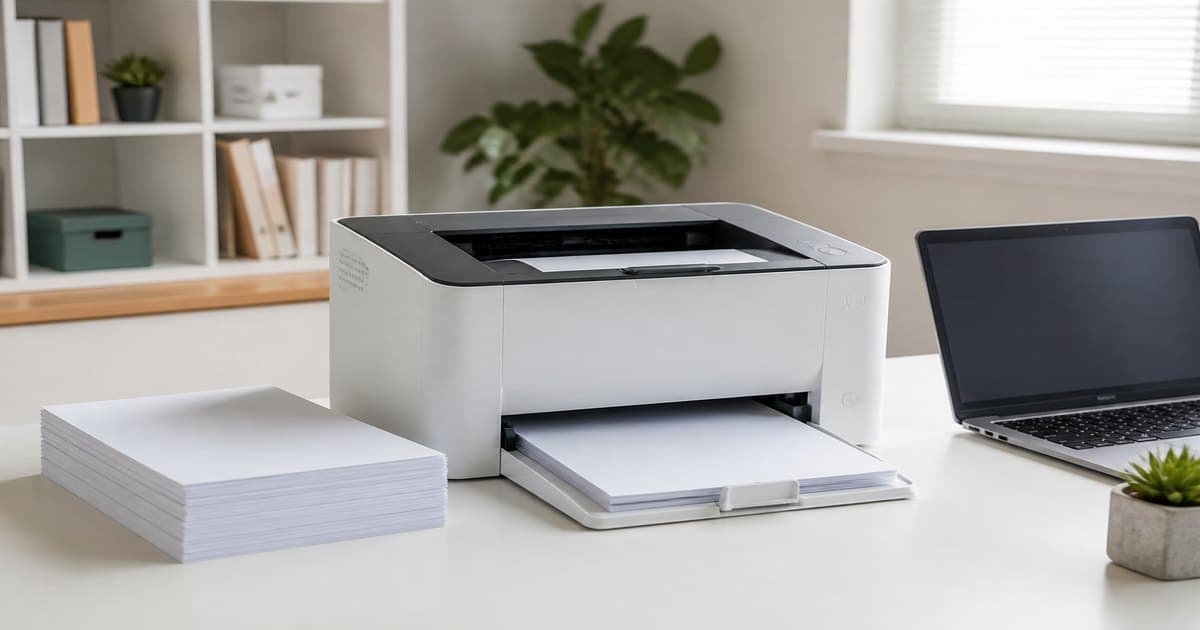
A cheap printer often hides expensive ink. We recommend shopping by monthly pages and cost per page, not the sticker. Shop by type: inkjet MFP, laser printer, or laser MFP — this article tells you which shelf.
Inkjet or laser?
- Inkjet: color photos, school projects, low volume. Heads can dry if unused.
- Laser: contracts and invoices. Lower cost per page; first page may wait.
- Color laser: branded reports — costly up front, sensible at office volume.
MFP: who needs scan and copy?
Home office and bookkeeping usually want print+scan+copy. Inkjet MFP for color at home, laser MFP for document flow. ADF matters only if you scan stacks, not one passport a year.
Cost per page and cartridges
Starter toner at 1,000 pages vs 3,000-page packs changes the math. Check cartridges before you buy the box. Tank inkjets win for families; first price is higher.
Wi-Fi, duplex, duty cycle
- Wi-Fi / AirPrint for cable-free home printing.
- Duplex halves paper in an office.
- Ethernet is more stable when several people print.
- Duty cycle matters in a queue, not in a bedroom.
Estimate monthly pages, decide if you need color, then pick inkjet or laser. Add three years of supplies to the box price. A separate scanner is for archive volume only.
Do I need laser for 50 pages a month?
Usually no. Low volume + color = tank inkjet or a simple MFP.
Why does a cheap inkjet start streaking?
Dried heads. Print a color page weekly or choose a tank system.
Color laser or color inkjet for an office?
Daily color reports: laser. Occasional brochures: tank inkjet can be cheaper.