Smartphone and laptop guidesLaptops
Laptops for work and study: ultrabook, office machine, or gaming laptop?
Every laptop listing looks “powerful,” “light,” and “ideal.” In real life, one model lasts a commute on battery while another chokes on spreadsheets and twenty browser tabs. Configuration and use case matter more than the headline chip name — we explain this almost every day in the store.
Who is buying for what?
- Study: documents, Zoom, browser, sometimes light design or coding.
- Office: many files, spreadsheets, video calls, all-day battery.
- Creative work: photo/video edits, large files, a good display.
- Gaming / 3D: dedicated GPU, cooling, higher power draw.
Buying a gaming laptop “just in case” for office work is often a mistake: heavy, louder, weaker battery. Expecting heavy video renders from a thin ultrabook is equally wrong.
RAM and SSD: two numbers that change daily life
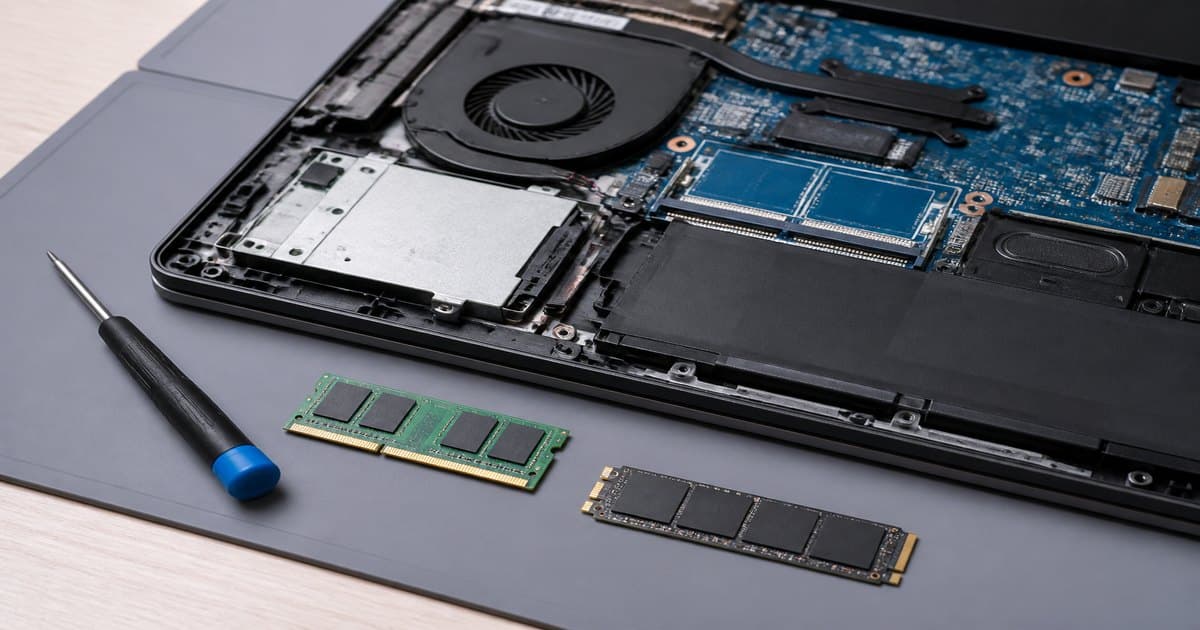
In 2026, 8 GB RAM still opens light workloads, but 16 GB is the safer comfort zone for multitasking. For SSD: 256 GB fills up fast; 512 GB is a happier starting point for everyday work and study.
Display: eye fatigue is real
Full HD is enough for most study and office work. Matte panels are easier under office lights. Design work benefits from IPS and wider color coverage. Glossy screens look sharp — and reflect sunlight.
Battery and ports — easy to forget
- How many hours do you need away from an outlet?
- Do you need HDMI, USB-A, or an SD slot — or will you buy a hub?
- Weight: if you carry it daily, 1.5–1.8 kg is a noticeable difference.
- Keyboard and trackpad quality matter as much as raw performance for writers.
Practical path: shrink your needs to five bullets, then shortlist three models in the laptop catalog. To speed up an old machine first, read SSD and RAM upgrades. A desk-only office may be cheaper as a mini PC.
Is 8 GB RAM enough in 2026?
It boots Word and a browser. Zoom plus 15 tabs is uncomfortable. 16 GB is the safe zone.
Does 256 GB SSD fill up fast?
Yes after Windows and Office. 512 GB is a better daily start.
Can a mini PC replace a laptop?
Only if you never leave the desk and already have a monitor.